AI-Powered Ad Management for Agencies
Stop drowning in client dashboards. Start asking questions.


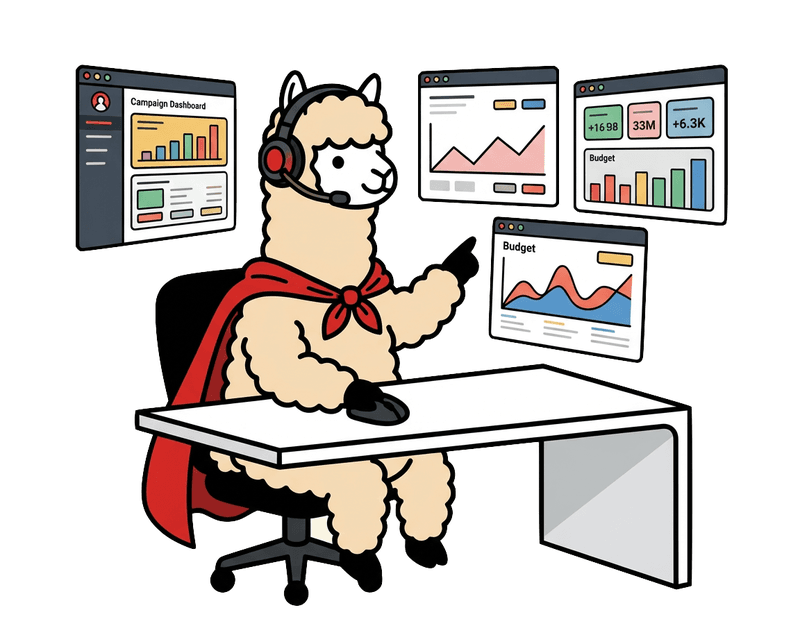
What you get
Your agency manages dozens of ad accounts across Meta, Google, LinkedIn, and TikTok. Each platform has its own dashboard, its own export flow, its own reporting quirks. Ad Superpowers gives your team a single AI interface to query any client account in natural language, so you can spend time on strategy instead of spreadsheets.
- Multi-Account ManagementConnect up to 100 ad accounts across all platforms on the Team plan. Switch between clients instantly.
- Owner-Controlled Write AccessWrite access is on by default. The workspace owner can set the whole workspace, or a single team member, to read-only; write tools are then hidden and blocked.
- 62 Specialized ToolsFrom campaign creation to creative fatigue detection, our 62 MCP tools cover every analysis and management task your team needs.
- Pre-Built Workflows29 workflow templates for audits, reporting, and optimization. Run them with one command instead of building from scratch.
- Works with Claude, ChatGPT, Cursor & MoreYour team picks their preferred AI tool. Ad Superpowers works with any MCP-compatible client.
Problems we solve
Log into each platform per client. Export CSVs. Copy data into a reporting template. Format charts. Repeat for every account.
Ask AI: "Give me a performance summary for Client X across all platforms this month." Get a formatted answer in seconds.
Manually audit the account in Ads Manager. Click through every campaign, ad set, and ad. Build a spreadsheet of findings.
Run a full account audit with one prompt. Get instant visibility into budget allocation, top/bottom performers, and creative fatigue.
Open Meta Ads Manager, Google Ads, LinkedIn Campaign Manager, and TikTok Ads Manager in separate tabs. Manually compare metrics in a spreadsheet.
Ask: "Compare CPA across Meta, Google, and TikTok for the last 30 days." Get the answer in a single response.
Train juniors for weeks on each platform's UI. Hope they don't accidentally change a live campaign while looking for data.
Juniors ask questions in plain English. The workspace owner can set their access to read-only, so their questions cannot change a live campaign. Senior-level insights from day one.
Frequently asked questions
The 14-day trial and Pro support 25 accounts. Team supports 100. Paid early access is available on Pro and Team, with all 8 platforms included.
Yes. Team and Enterprise plans support multiple team members. Each member connects through their own AI client (Claude, ChatGPT, etc.) with personal authorization or their own API key. Access follows their workspace permissions.
Absolutely. We use OAuth for platform connections, so a client's platform password never reaches us. Tokens are encrypted at rest, and API responses use a short-lived cache. Where enabled, large Google Ads reports can also become private datasets with a 24-hour access window. See our security page for details.
Yes. Ad Superpowers has write tools for Meta Ads (pause/resume, create campaigns, duplicate ads), Google Ads (create/update/remove via mutate), Google Tag Manager, TikTok Ads, LinkedIn Ads and Search Console sitemaps, and write access is on by default. The workspace owner can set the whole workspace, or a single team member, to read-only; write tools are then hidden and blocked. New Meta and TikTok campaigns and ads start paused, and new LinkedIn campaigns and ads start as drafts, unless you ask for them to go live. Workspace owners and admins can review recorded tool actions in the activity log.
Explore more
Ready to get started?